The Dutch password manager your team will actually use.



Everything your employees need to log in securely

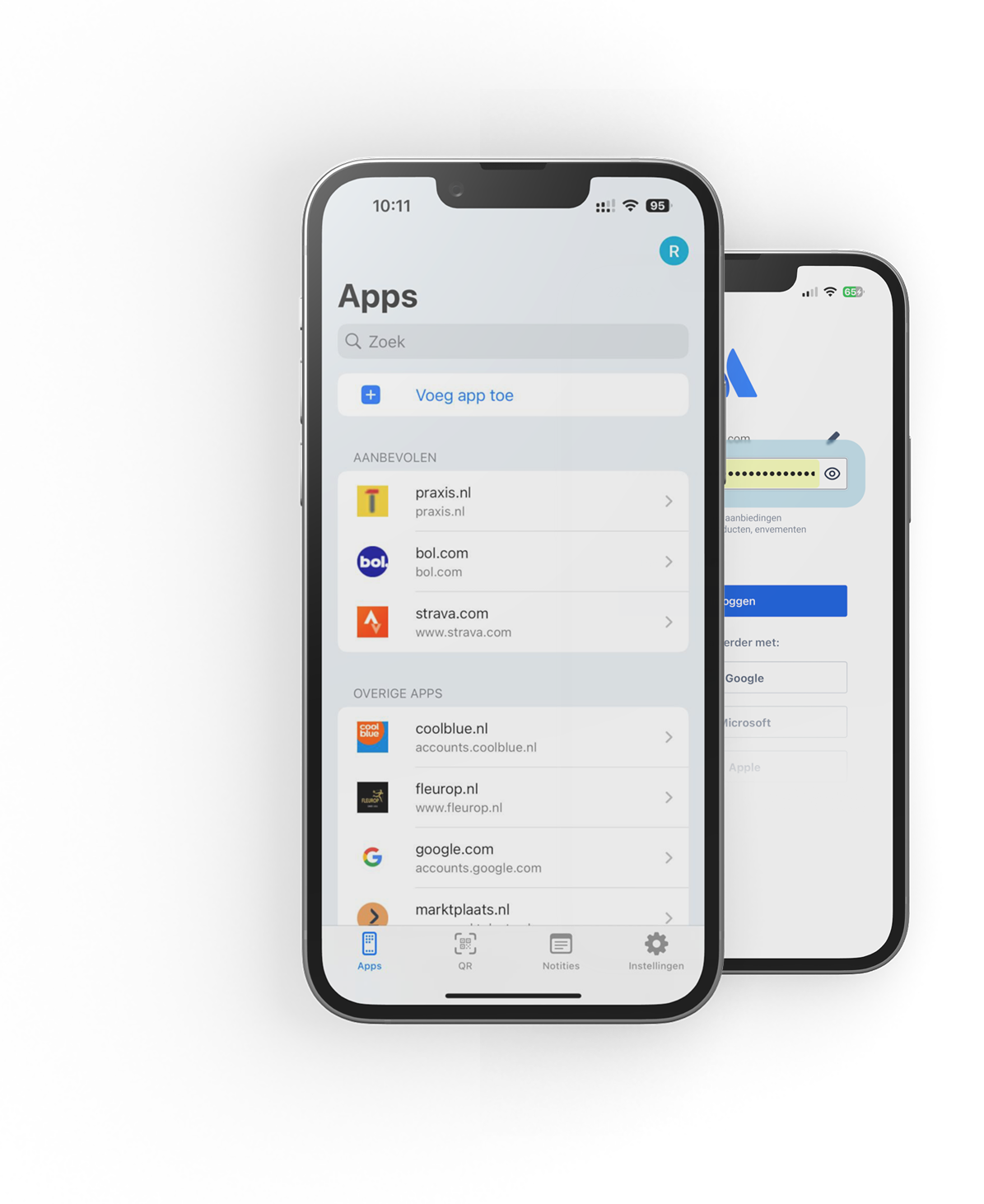
Automatic login

Share accounts securely

Manage notes securely

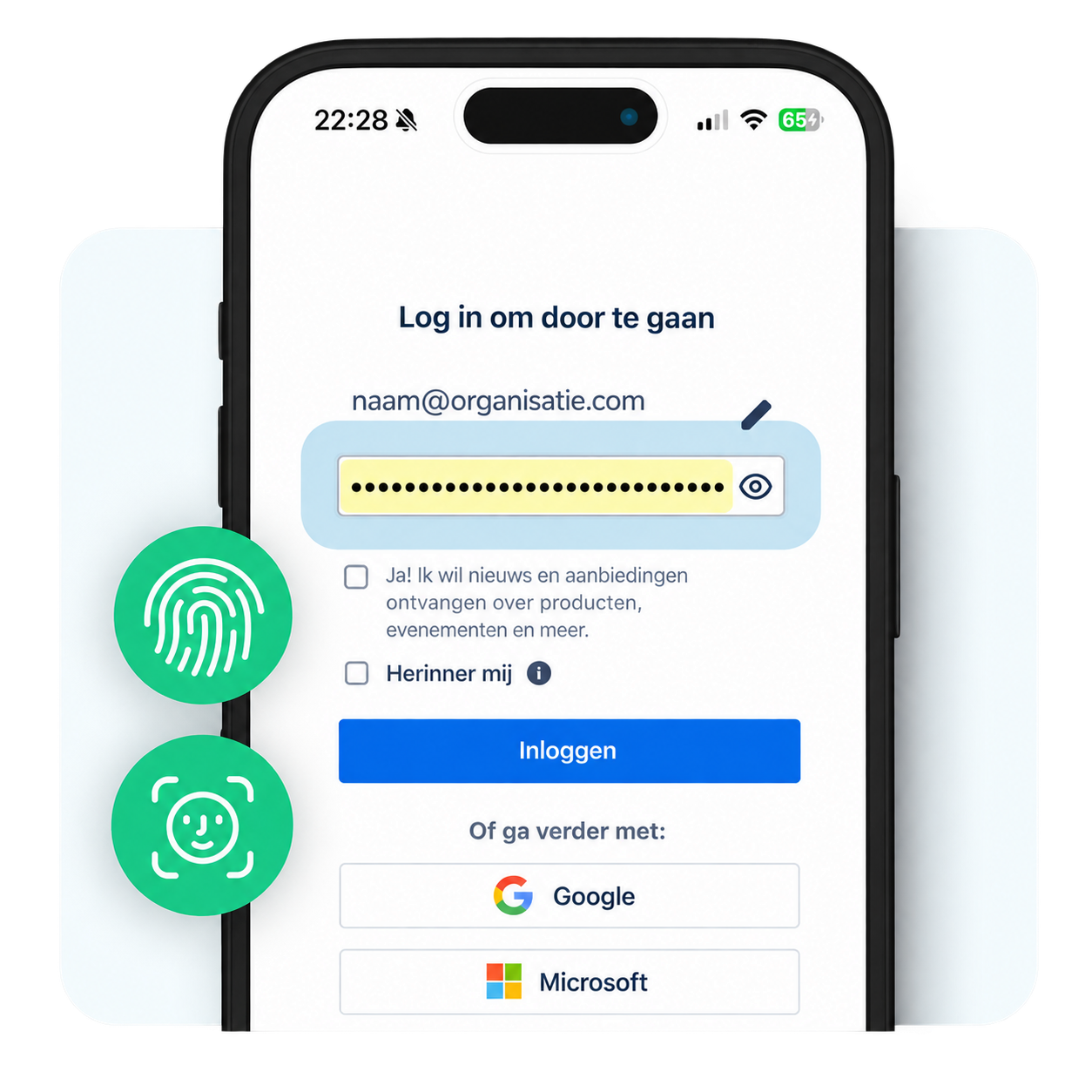
Log in with your work account

Free for personal use
See for yourself in 30 minutes


















A password manager only really works when everyone uses it
01
Fast, central rollout
02
Tailored training
03
Support after launch
04
A habit at home, too

What isn't stored can't be leaked.


Traditional password managers mainly help users store passwords securely and often fill them in automatically. That solves only part of the password problem.
MindYourPass goes further. Alongside a powerful password manager, it gives organizations continuous insight into applications, authentication methods, password usage, and login risks. Based on this, organizations can apply and enforce security policies centrally, so secure login doesn't depend on the behavior of individual users.
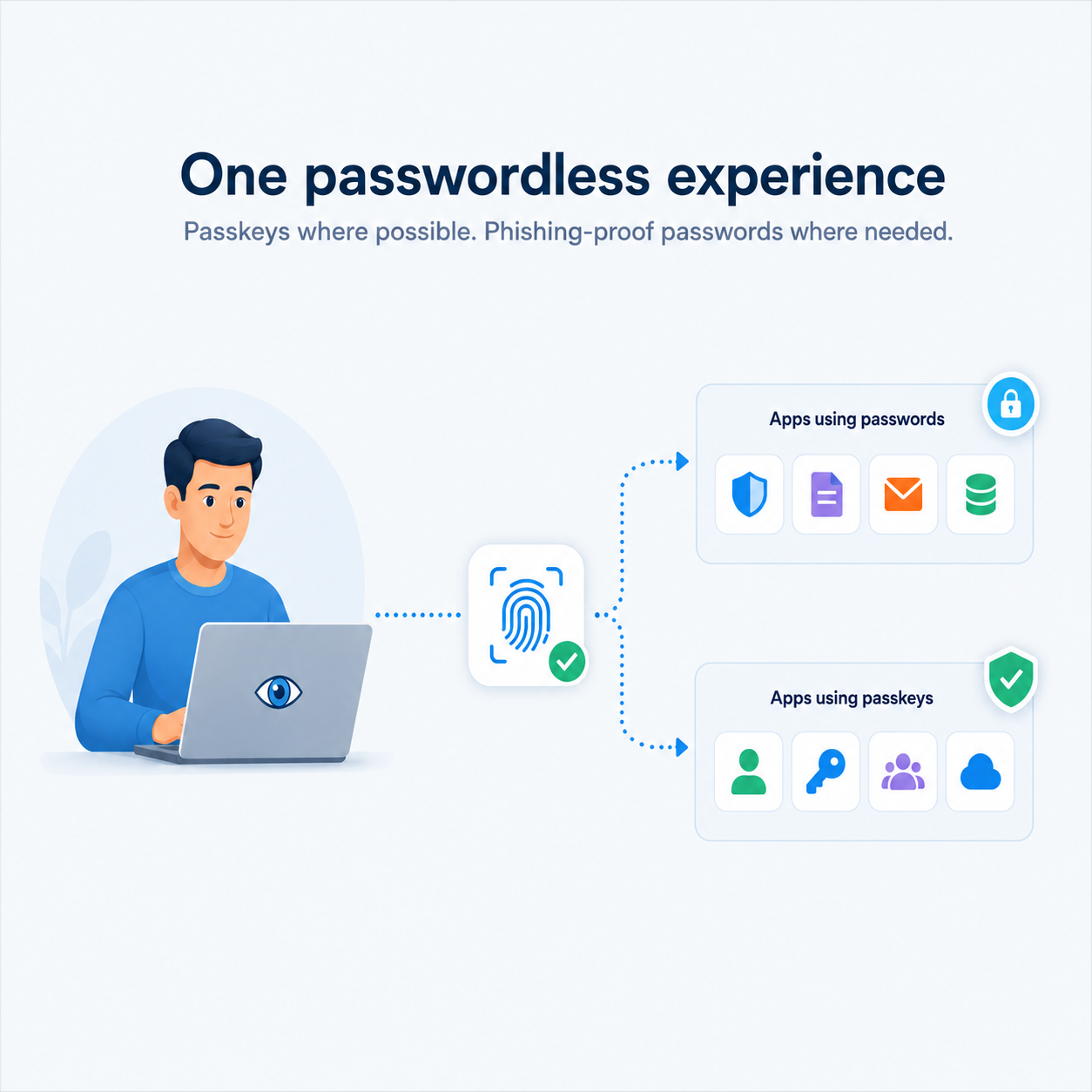
MindYourPass also supports both passwords and passkeys on a single platform. Organizations get insight into their passwordless readiness and can move to passkeys step by step, while applications that still rely on passwords stay securely supported.
It also stands out for its patented vaultless technology: passwords are never stored in a password vault.
This is how MindYourPass helps organizations keep improving digital access: from secure, phishing-resistant password use today to a controlled move to passwordless.
MindYourPass is built for organizations that want secure, controlled, and future-proof digital access. It suits small, medium, and large organizations alike, and is used in sectors such as government, healthcare, education, housing associations, accounting, and business.
Whether you want to get started with secure password management, introduce passkeys, comply with regulations such as NIS2, or get better insight into applications and login risks, MindYourPass supports you at every step toward secure digital access.
Thanks to its modular design, you can start with insight through monitoring and then add secure password management, passkeys, and centralized security policies.
MindYourPass's patented vaultless technology calculates a password each time it's needed. That means passwords never have to be stored in a central or local vault.
For every site or web application, the same password is always calculated from a set of unique data. Because the same input always produces the same result, the password can be regenerated on any authorized device without ever being stored.
The calculation is also domain-bound. Every web application automatically gets its own unique password, and a password can't be used on another website or on a phishing domain.
For the user, it works just like a traditional password manager: after verification, the right login credentials are filled in automatically. Behind the scenes, though, passwords are calculated rather than stored.
MindYourPass helps organizations significantly reduce phishing risk at login.
When users log in with a passkey, authentication is inherently phishing-resistant.
For web applications that still use passwords, MindYourPass adds a layer of protection. Its patented vaultless technology generates a unique, domain-bound password for every website. Passwords can't be swapped between sites: a password for one website doesn't work on another.
In addition, the MindYourPass Password Manager only fills in login credentials on the correct website. Users never have to type or copy and paste passwords, which further reduces the chance that phishing succeeds.
In this way, MindYourPass offers one secure login experience for both password-based and passwordless applications.
Implementation always starts with a technical setup.
For a MindYourPass Assessment or Monitoring, this means installing the MindYourPass Agent.
Implementing the MindYourPass Password Manager involves both a technical software setup and an organizational rollout. Alongside the technical configuration, it covers rolling out to users, communication, onboarding, training, and adoption.
Each solution has its own implementation guide with step-by-step instructions.
Yes. MindYourPass integrates with existing Single Sign-On (SSO) solutions, such as Microsoft Entra ID, Okta, and other identity providers that support SAML or OpenID Connect.
Web applications that already support SSO keep using the existing identity provider directly. MindYourPass doesn't take over this authentication and doesn't change the existing SSO login flow.
Users sign in to MindYourPass with SSO through their organization's identity provider. From there, they can also log in securely to web applications that aren't linked to SSO and still require a password. For the user, it feels like the same simple SSO login, for example with Windows Hello, biometric verification, or a FIDO2 security key, without ever having to enter a password again.
This creates one consistent login experience for all web applications, whether they use SSO, passkeys, or passwords. MindYourPass calls this Total Sign-On: extending the benefits of Single Sign-On to web applications that don't support SSO yet.
Organizations benefit too. Access to the MindYourPass Password Manager can be managed centrally through the identity provider, so existing security measures such as user provisioning, deprovisioning, and conditional access also apply to web applications that still rely on passwords.