

What's New at MindYourPass: Q1 Updates



Getting the details right: usability improvements
We started with a set of improvements that many users feel in their day-to-day work, even if they're hard to see from the outside.
SAP and legacy system support received an upgrade. Many organisations rely on SAP applications that use older, non-standard login structures. MindYourPass now handles these environments much more reliably, including non-standard HTML structures, deprecated form attributes, and custom authentication methods. The result is less manual credential entry, fewer false positives, and a consistently smoother login experience for users working in legacy environments.
MindYourPass generates unique passwords using a site's URL as one of its factors. Enterprise applications often complicate this, a single app may span multiple URLs (e.g. sign-in vs. sign-up), or share a domain while its subdomains are treated as separate applications.
MindYourPass addresses this through centralized configuration. Previously, applying a new configuration was a multi-step process for end users. Now it's simple: remove the application from your list and re-add it. That's it.
Security built for everyone
Digital security shouldn't have barriers. That's why we integrated basic screen reader support for NVDA and VoiceOver.We've built a foundational password generation flow in MindYourPass, functional a complete password generation, though we're well aware it's just the beginning. If you're a visually impaired user, your feedback at this stage would mean a lot to us and help shape where we go next.
We also strengthened the reliability of our network communication. Password generation requires a live server connection, and temporary connectivity issues could previously cause disruptions. Our improved handling of network glitches means these transient issues are much less likely to interrupt your workflow.
Expanding compatibility: Keeper JSON import
We're committed to making it as easy as possible to switch to or expand with MindYourPass, regardless of where you're coming from. Most password managers provide CSV exports with clear headers that import seamlessly. Keeper's CSV format, however, lacks those headers — making automatic import impossible without manual adjustments.
We've solved that by adding support for Keeper's JSON export format. Users migrating from Keeper can now import their passwords directly, without any manual editing or reformatting. This brings Keeper into line with the many other password managers we already support out of the box.
A fresh look: new logo across all platforms
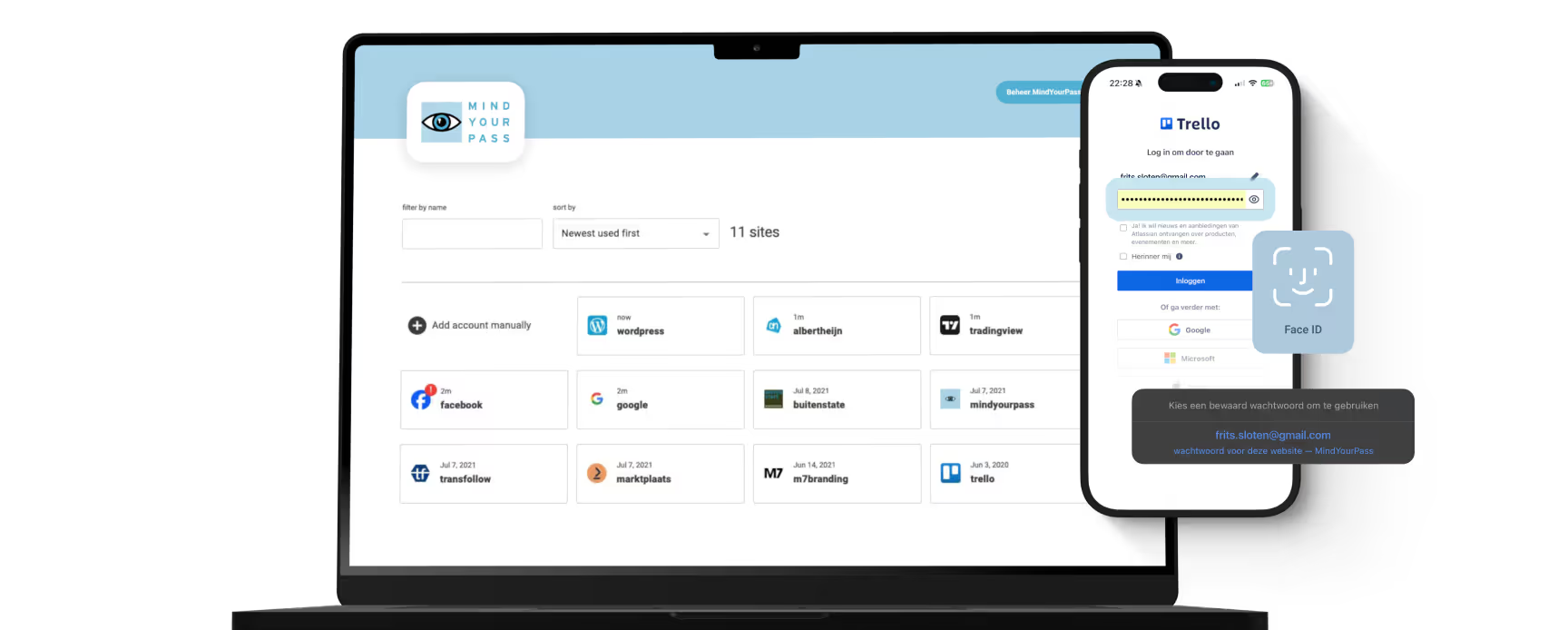
You may have noticed — MindYourPass has a new logo, now live across all platforms and devices.
Micro Session: a significant step forward in security
Since 4 March 2026, a new security mechanism called Micro Session has been active. This feature uses randomized server factors that mathematically cancel out on the client side, allowing users to get the same stable password each time while attackers only see unique, non-reusable values. It reduces an attack's ability to predict and replay responses, protecting the users from several classes of attacks. All of this is done without changing the user experience.
All existing passwords continue to work exactly as before through a built-in backward compatibility mode. To benefit fully from Micro Session's enhanced protection, simply reset a password within the MindYourPass app. Any password created or reset after this update will automatically use Micro Session. Passwords that haven't been reset continue to work as normal with partial Micro Session support.
Coming soon: a live security dashboard
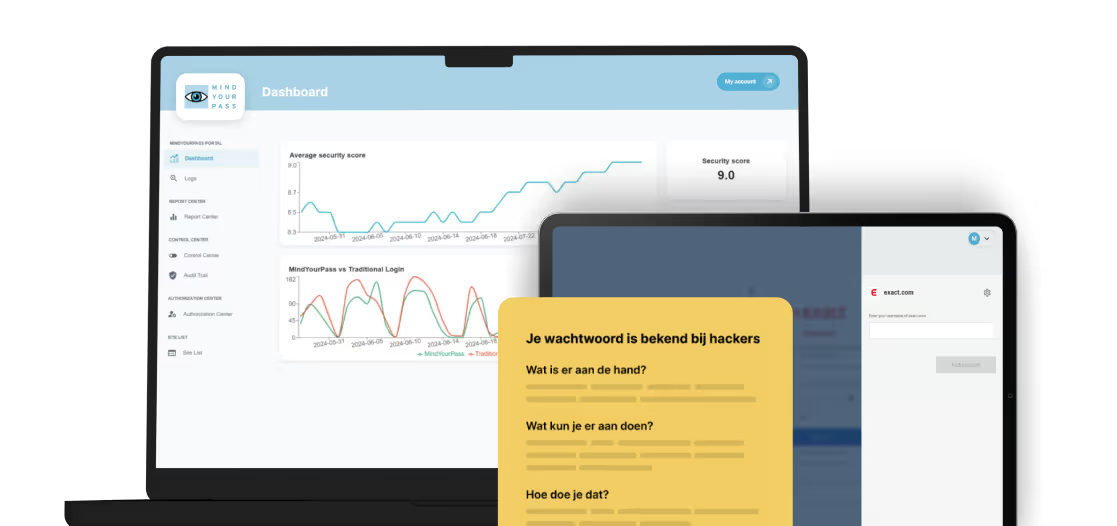
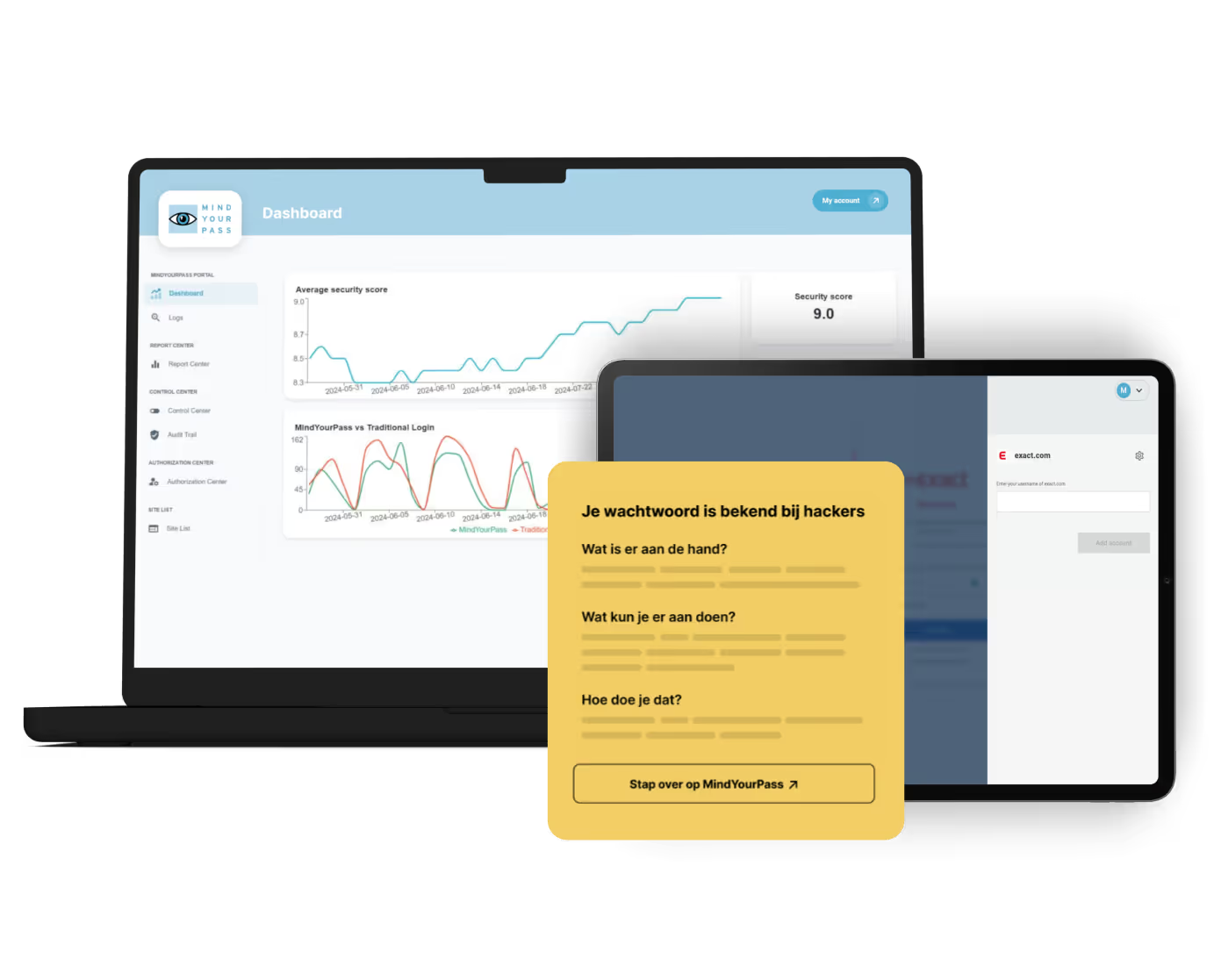
Something we're particularly excited about is coming on 15 April: a brand-new security dashboard that gives you real-time visibility into your security metrics and account activity.
Previously, reviewing security data meant waiting for periodic static reports. The new dashboard changes that entirely — delivering live, continuously updated insights so you can monitor activity and respond to security events as they happen, not after the fact.
Smarter reused password detection
We've also refined our reused password detection algorithm to be more accurate and precise. The improved version identifies password reuse patterns more reliably, with fewer false positives. You can now act with greater confidence, knowing the results you see are a true reflection of your password hygiene across accounts.
From password manager to Password Management 2.0
These updates aren't just individual features — they strengthen the three pillars of MindYourPass: Identify, Improve, and Insist. With this latest round of improvements, you can:
- Identify risks more accurately, thanks to enhanced reused password detection and the upcoming security dashboard
- Improve your security posture more easily, with better SAP support, streamlined multi-URL account management, and expanded import compatibility
- Insist on stronger protection across the board, with Micro Session providing a new layer of in-transit security for every password generated going forward
What's next
We're proud of what we've shipped — and there's more on the way. Stay tuned for the security dashboard launch on 15 April and further updates throughout the year.
Have questions about any of these features, or want to find out how MindYourPass can work for your organisation? Get in touch with us or check out our online demo.

Get in touch with us.
Let MindYourPass make your organization safe.
Log in securely with ease.
At home and at work.


Triple-i™ improvement method
Wachtwoordveiligheid meten om doelgericht te verbeteren
Elke verandering begint met het verkrijgen van volledig inzicht in de huidige situatie. Om vanuit daar met behulp van een concreet en praktisch plan toe te werken naar de gewenste situatie: het gebruik van kwetsbare wachtwoorden binnen jouw organisatie onmogelijk maken.