


Measuring password security is the first step
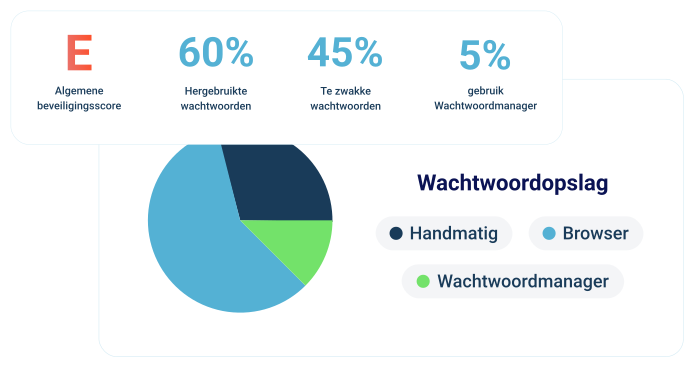
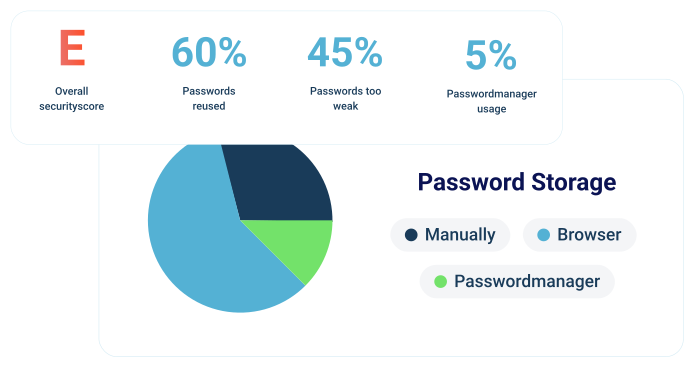
95%
doesn't use a traditional password manager
45%
too weak
25%
stolen
70%
What does our measurement provide?

Full insight into login behavior

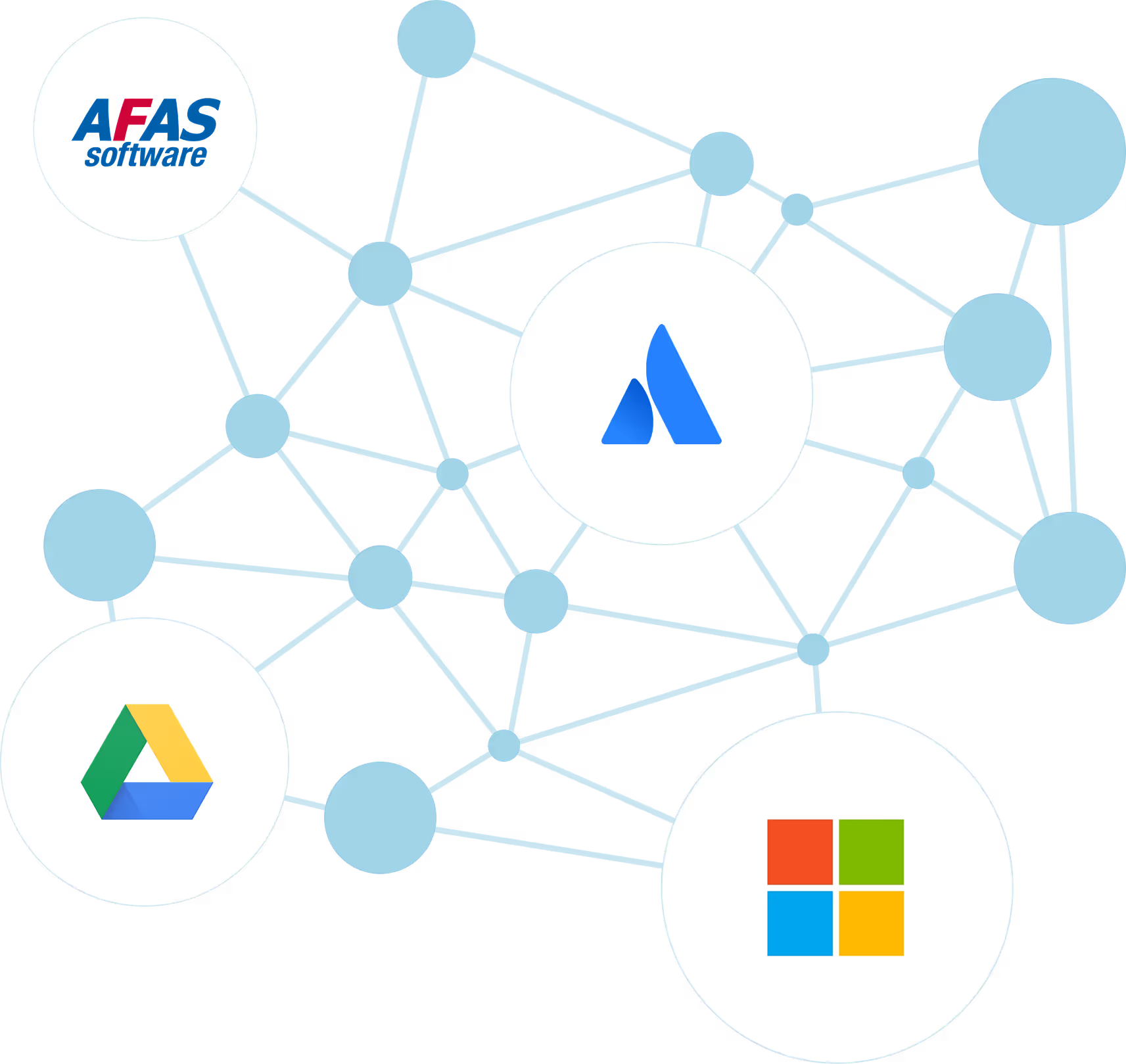
Every site and application in view

Customized improvement plan
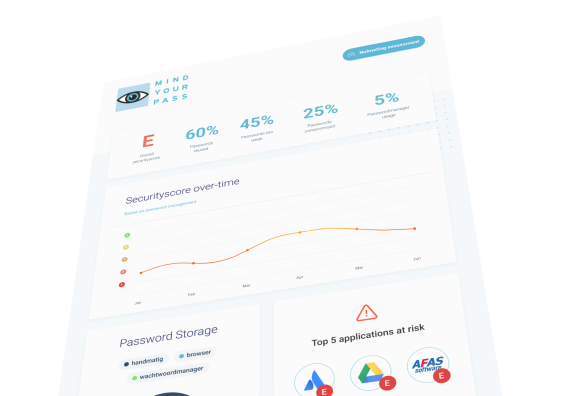

From measuring to improving
Password Manager 2.0
With our three-step approach — Identify, Improve, Insist — you tackle the problem at the core. Structural and effective.
See how secure your logins really are
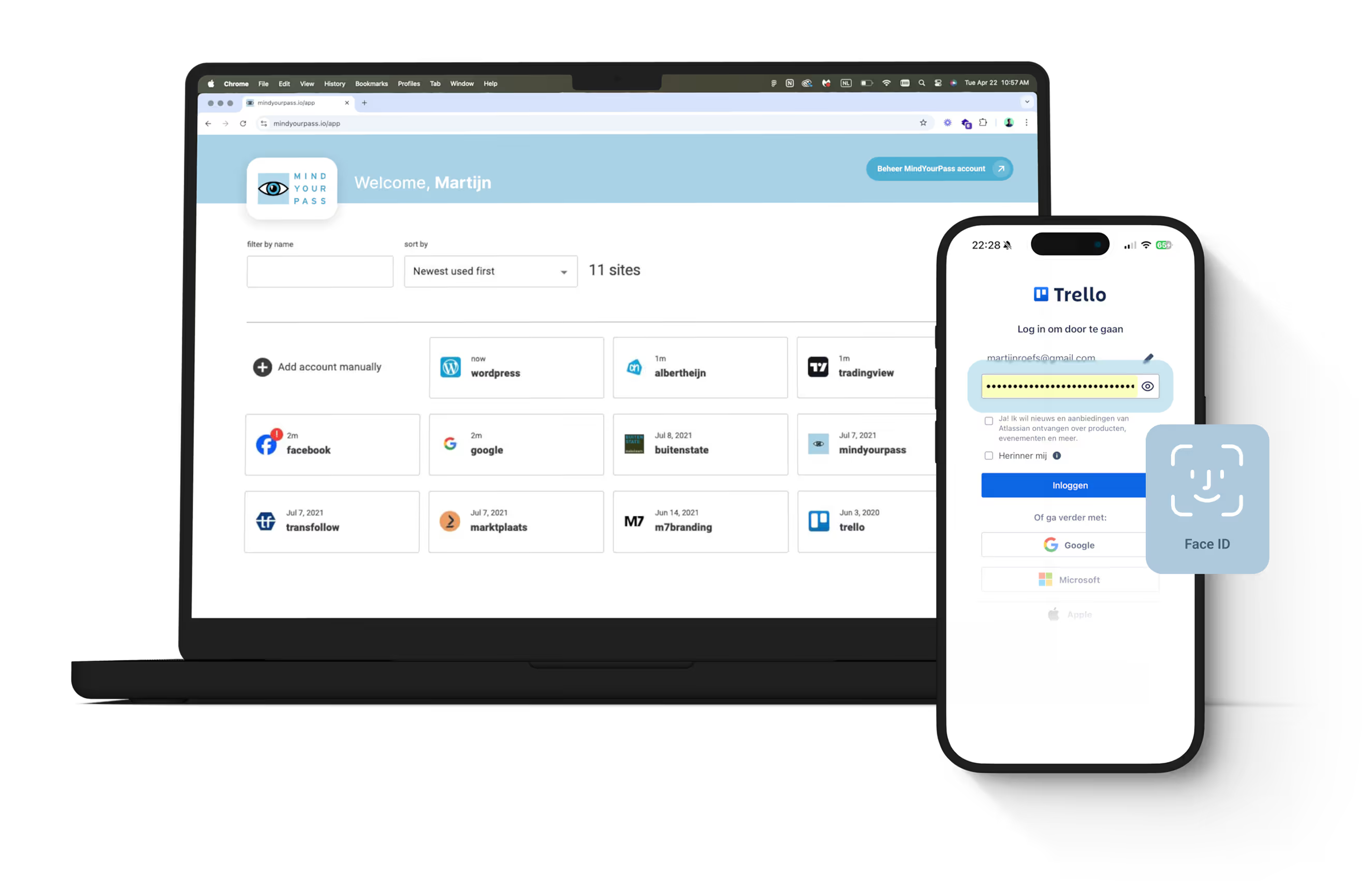
A password manager people really use
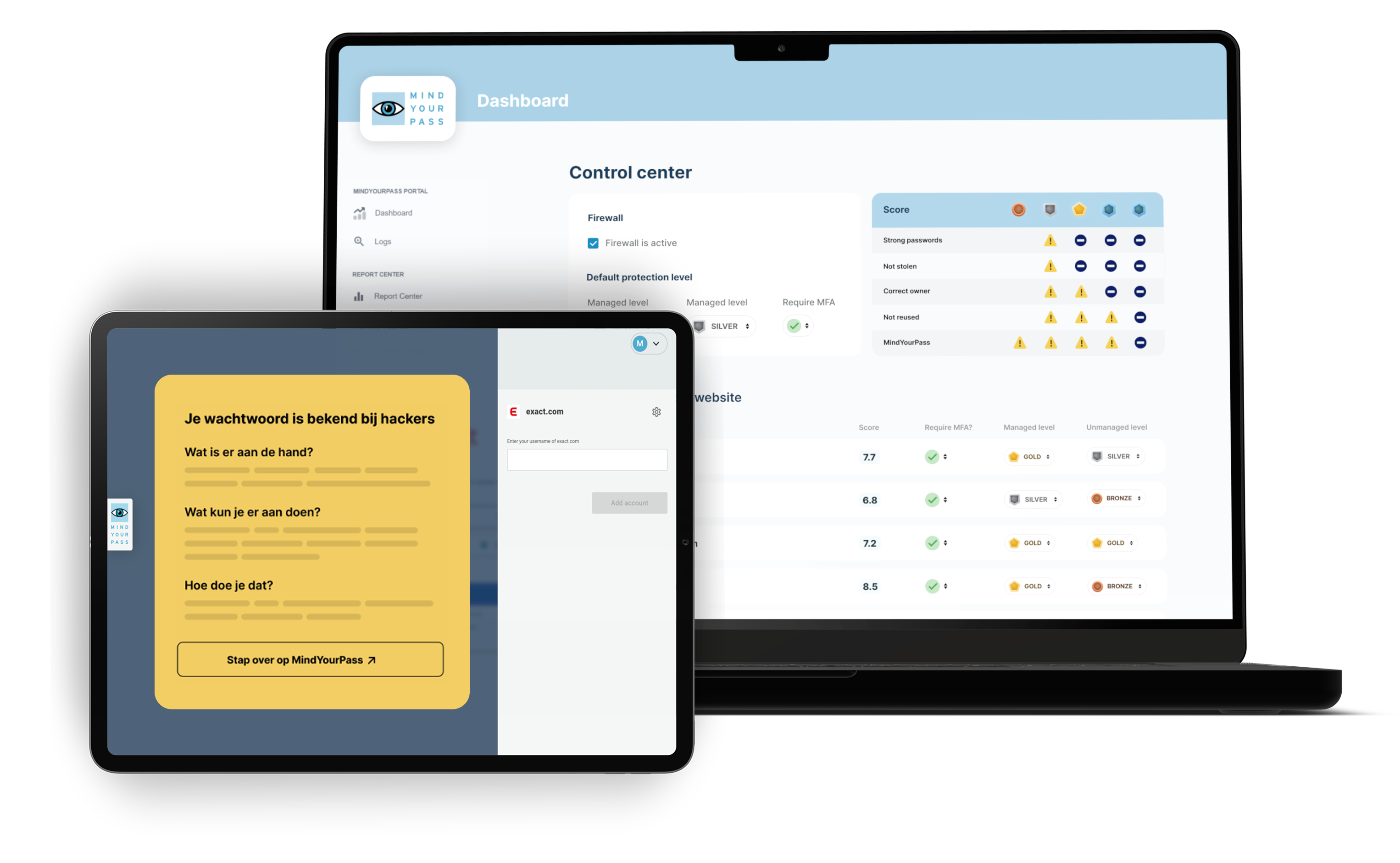
From paper policy to enforcement in practice
Logging in securely requires more than just a tool

The baseline measurement gives you insight into the actual password behavior within your organization.
Demonstrate compliance with requirements and standards, such as NIS2 and ISO27001
Get practical recommendations for improving password security across the organization
Map out your entire online application landscape and combat Shadow-IT
Get insight into the security of all passwords within your organization and which applications and data are at risk.
Motivate and train employees to make and keep all their passwords safe
Make employees aware of their password usage while logging in and help them improve immediately.
Privacy guaranteed — always
Get 14 days of free insights and easily discover how your organization uses web applications and what the risks are regarding digital access. Anonymous and privacy-friendly.
The process consists of four steps:
1. Request 14 days of free insights
After your request, you will receive the necessary software and a short installation guide.
2. Install the MindYourPass Agent
The Agent can be centrally deployed on managed devices by your IT department or partner. Installation usually takes just a few minutes.
3. Gain insights via the Dashboard
For 14 days, the Agent automatically and privately maps the use of web applications, authentication methods, and password security. The measurement runs in the background and does not affect user workflows.
4. Receive your results and determine the next steps
After the period ends, you will receive an overview of the key insights and recommendations. You then decide how to proceed: you can end the measurement, continue monitoring, or opt for a comprehensive Assessment with additional analyses, a risk assessment, and a presentation of the results.
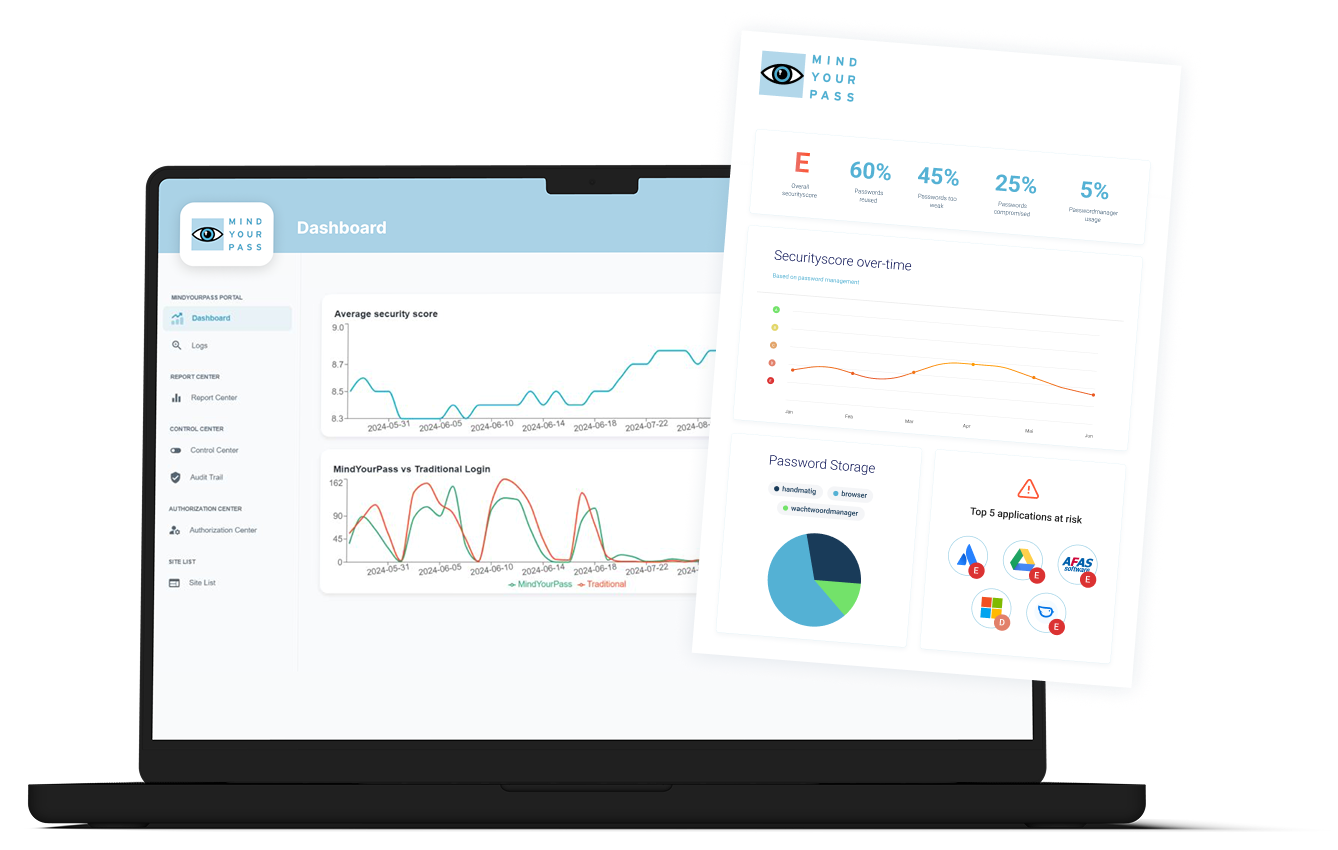
MindYourPass provides clear dashboards and reports that help organizations continuously monitor and improve the security of their digital access.
Reports are available in real-time at the organizational, departmental, and application levels. This allows organizations to analyze risks, track developments over time, and gain insight into the effectiveness of implemented measures.
The reports provide insight into areas including web applications, authentication methods, password management, password security, digital access risks, and the MindYourPass Security Score. This gives organizations up-to-date management information to prioritize security measures and make informed decisions.
The MindYourPass Assessment is an accessible way to gain insight into the security of digital access within an organization.
Over a period of approximately one month, the MindYourPass Agent collects data on the use of web applications, authentication methods, password management, password security, and digital access risks. Based on this, MindYourPass compiles a report detailing the key findings, risks, and recommendations.
The Assessment shows organizations where the greatest risks lie, which improvement measures will have the most impact, and the extent to which the organization is prepared for the transition to passwordless authentication. It provides an objective basis for prioritizing improvements and measuring progress over time.
The MindYourPass Security Score provides organizations with a single overview of the security of their digital access. The score is displayed as a rating from A to E and is based on a weighted assessment of collected insights regarding web applications, authentication methods, password management, password security, and digital access risks.
When determining the score, not all risks are weighted equally. Critical applications and business-sensitive accounts have a greater impact on the Security Score than less critical applications, ensuring the rating aligns with the actual risk to the organization.
The Security Score highlights the areas with the greatest room for improvement and shows how security evolves over time. This allows organizations to set priorities, track the progress of improvement measures, and monitor the effectiveness of their security policy.
The Security Score is available at the organization, department, and application level, allowing risks to be analyzed and addressed in a targeted manner.
The MindYourPass Agent continuously analyzes the security of passwords used within your organization. The platform checks for issues such as weak passwords, password reuse, and leaked credentials.
It also provides insight into whether the password for your primary organizational account, such as Microsoft Entra ID (Active Directory) or Google Workspace, is being reused for other web applications. This helps organizations identify one of the most common and high-risk forms of password reuse.
The results are combined with information on web applications, password management, and digital access risks. This makes it clear where the greatest risks lie and which improvement measures will have the most impact. By monitoring password security continuously rather than just periodically, organizations always have an up-to-date view of the security of their digital access.